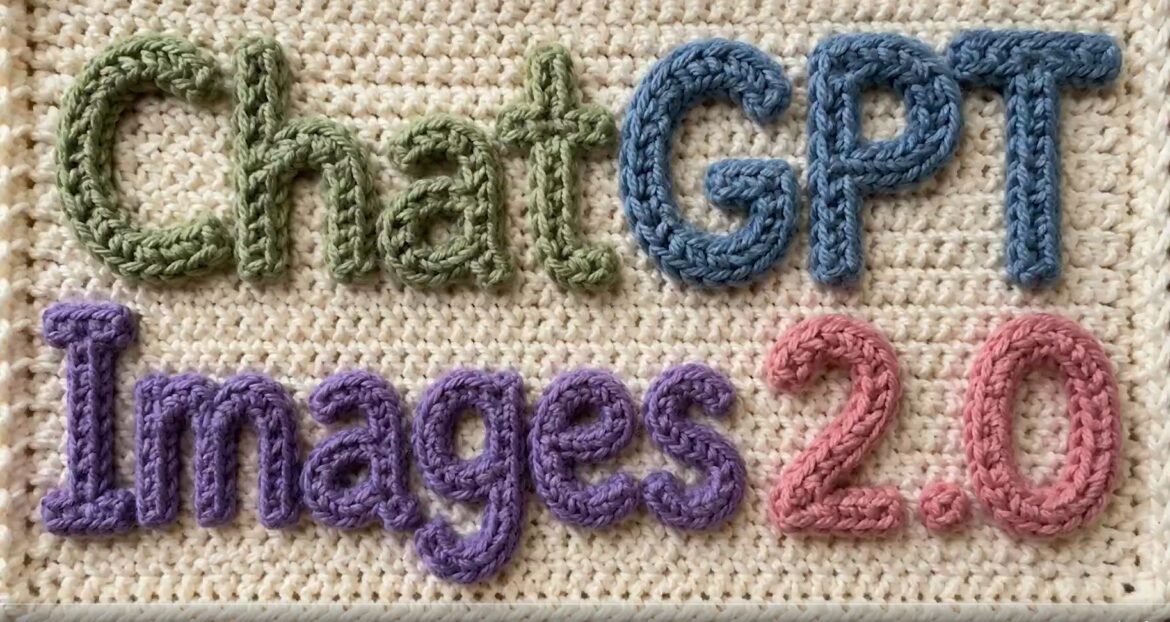
👉 A complete breakdown of features, upgrades, and real-world performance differences between ChatGPT Images 2.0 and DALL·E.
Artificial intelligence image generation has evolved rapidly—but the jump from DALL·E to the new ChatGPT Images 2.0 model is not just an upgrade—it’s a shift in how AI understands and creates visuals.
Earlier tools like DALL·E focused mainly on generating images from text prompts. While impressive, they often struggled with accuracy, text rendering, and complex edits.
Now, with OpenAI introducing ChatGPT Images 2.0, the game has changed. This new model brings “thinking-level intelligence” into image creation—allowing it to reason, refine, and even validate its own outputs.
In this guide, we’ll break down exactly what changed, how it compares to DALL·E, and why it matters for creators, marketers, and everyday users.
⚡ TL;DR
- ChatGPT Images 2.0 is smarter—it can reason, self-check, and refine outputs
- It fixes major DALL·E issues like poor text rendering and limited editing
- Supports multi-image generation, 2K resolution, and advanced edits
- Can integrate real-time data (via web access)
- Overall: It’s not just an image generator—it’s a visual intelligence system
What is DALL·E? (Quick Context)
Before diving into the comparison, it’s important to understand what DALL·E was built for.
DALL·E is an AI model developed by OpenAI that generates images from text prompts. It became popular for its ability to turn creative ideas into visuals within seconds.
However, it had some limitations:
- Inconsistent text inside images
- Limited control over edits
- Struggled with complex instructions
- No real “reasoning” capability
These gaps are exactly what ChatGPT Images 2.0 aims to solve.
What is ChatGPT Images 2.0?
ChatGPT Images 2.0 is the latest image generation system built into ChatGPT by OpenAI.
Unlike DALL·E, which primarily focused on converting text into images, this new model is designed to think, reason, and refine before generating visuals.
In simple terms:
👉 DALL·E = Image generator
👉 ChatGPT Images 2.0 = Image + intelligence system
It can:
- Understand complex prompts better
- Generate multiple variations
- Edit images step-by-step
- Validate and improve outputs
This shift is what makes it a next-generation AI tool, not just an upgrade.
Made with ChatGPT Images 2.0 pic.twitter.com/qaahxpJ6hK
— OpenAI (@OpenAI) April 21, 2026
ChatGPT Images 2.0 vs DALL·E: 7 Key Differences
Here’s where the real value lies 👇
1. 🧠 Intelligence & Reasoning
DALL·E:
- Generates images based on prompt patterns
- No real reasoning or validation
ChatGPT Images 2.0:
- Thinks before generating
- Can self-check outputs
- Handles multi-step instructions
👉 Example:
You can ask for a complex infographic, and it will structure it logically—not just visually.
2. 🔤 Text Rendering (Massive Upgrade)
DALL·E:
- Often produced broken or unreadable text
- Struggled with multiple languages
ChatGPT Images 2.0:
- Clean, readable text
- Supports multiple languages accurately
👉 This alone unlocks:
- Social media posts
- Thumbnails
- Ad creatives
3. 🎨 Editing Capabilities
DALL·E:
- Basic edits (inpainting/outpainting)
- Limited control
ChatGPT Images 2.0:
- Advanced, step-by-step editing
- Can refine specific parts of an image
- Supports multi-edit workflows
👉 Think:
“Change background → adjust lighting → add text”
All in one flow.
4. 🖼️ Image Quality & Resolution
DALL·E:
- Good quality, but limited sharpness
- Not always production-ready
ChatGPT Images 2.0:
- Up to 2K resolution
- Sharper, cleaner outputs
👉 Better for:
- Blogs
- YouTube thumbnails
- Marketing materials
5. 🔁 Multiple Outputs from One Prompt
DALL·E:
- Generates variations, but limited control
ChatGPT Images 2.0:
- Creates multiple high-quality variations intelligently
- Helps in quick selection and iteration
👉 Saves time for creators and marketers.
6. 🌐 Web Awareness (Game-Changer)
DALL·E:
- No access to real-time data
ChatGPT Images 2.0:
- Can use web data (when enabled)
- Generates images based on current information
👉 Example:
- Product visuals with realistic pricing
- Updated data-driven infographics
7. 🧾 Accuracy & Self-Checking
DALL·E:
- No validation layer
- More trial-and-error
ChatGPT Images 2.0:
- Can review and improve outputs
- Reduces mistakes significantly
👉 Result:
Less rework, more reliable outputs.
📊 Quick Comparison Table
| Feature | DALL·E | ChatGPT Images 2.0 |
|---|---|---|
| Intelligence | ❌ No reasoning | ✅ Thinking-level AI |
| Text Rendering | ❌ Weak | ✅ Clear & accurate |
| Editing | ⚠️ Basic | ✅ Advanced |
| Resolution | ⚠️ متوسط | ✅ Up to 2K |
| Multi-Image Output | ⚠️ Limited | ✅ Smart variations |
| Web Data | ❌ No | ✅ Yes (when enabled) |
| Accuracy | ⚠️ Hit or miss | ✅ Self-checking |
What This Actually Means (Real-World Impact)
This upgrade is not just technical—it changes how people use AI.
With ChatGPT Images 2.0, you can now:
- Create ready-to-use content, not just drafts
- Generate marketing visuals instantly
- Build professional-grade designs without tools like Photoshop
- Reduce dependency on designers
👉 In short:
It turns AI from a creative assistant → production tool
👥 Who Should Use ChatGPT Images 2.0?
This model is especially useful for:
- Bloggers (faster content visuals)
- YouTubers (high-quality thumbnails)
- Freelancers (design services)
- Marketers (ads, creatives, QR campaigns)
- Students (visual learning & diagrams)
🧩 Conclusion
The shift from DALL·E to ChatGPT Images 2.0 marks a major evolution in AI image generation.
It’s no longer just about creating images from text—it’s about understanding, refining, and producing visuals with intelligence.
If DALL·E was the beginning, ChatGPT Images 2.0 is the next step toward fully integrated AI creativity.
Enjoy Worthview?
Add Worthview as a Preferred Source on Google to see more of our stories in Search.
Worthview Editorial Team is the shared byline for content created collaboratively by Worthview’s editors and contributors. Since 2008, we’ve published thousands of articles across technology, AI, finance, health, home, travel, and lifestyle. Our editorial process emphasizes original research, reputable sources, regular content updates, and clear attribution. Articles covering higher-trust topics, including health and finance, may also undergo review by qualified subject-matter experts.